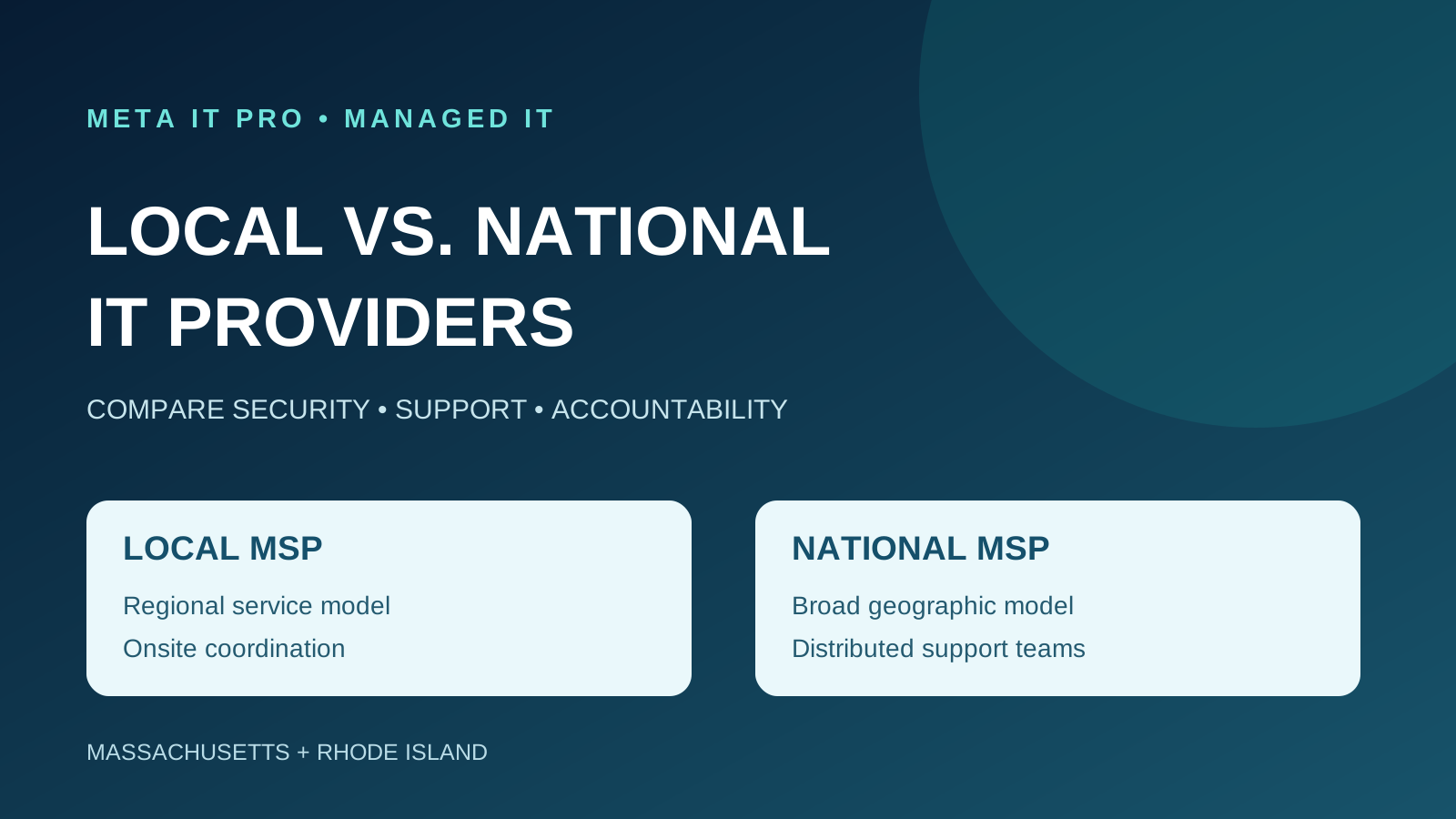
Compare local and national MSP service models using cybersecurity evidence, onsite dispatch, helpdesk SLAs, vendor coordination, business continuity and total contract cost.
Key takeaways
What to know before you act
- Local and national MSPs can both deliver strong IT support; provider size is not proof of cybersecurity quality, response speed or value.
- Compare written onsite coverage, response definitions, security accountability, backup recovery testing, total cost and contract terms.
- Use a weighted scorecard based on evidence from each provider rather than assumptions about its geographic reach.
Why it matters
What business leaders should understand
Provider size alone does not establish better security, faster response or lower cost. Businesses should assess actual capabilities, contractual commitments and verified service delivery.
The right response should reflect your environment, data, vendors, risk, and operational priorities. Use this guide as a practical starting point, then validate important decisions with the people responsible for your technology, cybersecurity, legal obligations, and insurance coverage.
Learn how Meta IT Pro can help with managed it services, how to choose an msp, and why meta it pro.
Related reading: Employee IT Onboarding and Offboarding: A 30-Day Access Control Playbook and How to Switch Managed IT Providers Without Disrupting Your Business.
What is the difference between a local and national MSP?
A managed service provider (MSP) operates an agreed portion of a business's IT environment, potentially including helpdesk support, endpoint management, patching, Microsoft 365, cybersecurity, backups and vendor coordination. A local MSP concentrates on a city or region; a national MSP covers a wider geographic footprint.
The distinction does not determine service quality. Regional providers can use national security platforms, and national providers can employ local engineers. Compare the actual service model, staffing and written commitments.
Local vs. national managed IT providers: a practical comparison
Use the following dimensions to evaluate providers. None is a guaranteed advantage for either category.
- Onsite service: local teams may offer direct regional dispatch; national teams may use local branches or field-service partners. Verify dispatch terms.
- Helpdesk: smaller teams may provide familiar technicians; larger operations may have more shifts and specialist queues. Compare measured results.
- Cybersecurity: both can offer EDR, monitoring, MFA and incident response. Demand evidence of coverage and accountability.
- Multi-site support: national providers may have wider geographic infrastructure; regional providers may use remote tools and partners.
- Pricing: compare total contracted scope, exclusions and onboarding rather than company size.
- Account management: local leadership access and national service-delivery structures can both work if escalation ownership is clear.
1. Onsite IT support: how much does proximity matter?
Remote support can resolve many Microsoft 365, workstation and cloud problems. Physical failures such as damaged network switches, server hardware or cabling can require onsite work. For a Massachusetts accounting office or Rhode Island manufacturer, the key question is how quickly an authorized technician can actually arrive.
Ask where field technicians are based, whether work is performed by employees or partners, what travel charges apply, and which hours and incidents qualify for dispatch. Geographic proximity alone is not a guaranteed arrival time.
2. Helpdesk response: distinguish response from resolution
A large helpdesk may have broad staffing; a smaller team may know the client's systems more intimately. Neither guarantees fast restoration. Evaluate severity definitions, acknowledgement, engineer engagement, escalation and recurring issue management.
A 15-minute response target means an agreed initial response or engagement, not a promise that every outage will be resolved in 15 minutes. Confirm whether targets apply during business hours or 24/7, and whether monitoring is separate from live helpdesk coverage.
3. Cybersecurity: evaluate controls, not company size
Both local and national MSPs can deploy endpoint detection and response, managed security monitoring, email protection, vulnerability management and recovery safeguards. Security depends on whether tools are configured, monitored and tested.
The joint CISA-led advisory on MSP threats emphasizes MFA, access management, monitoring and clear division of security responsibilities. NIST Cybersecurity Framework 2.0 highlights governance and supplier risk. Request a written responsibility matrix, privileged access controls, alert escalation procedures, endpoint coverage reports and restoration test results.
Do not assume a provider makes your organization compliant with HIPAA, Massachusetts 201 CMR 17.00 or cyber insurance requirements simply by supplying technology.
4. Accountability: who owns the problem?
When a business application stops working, the cause might involve internet service, DNS, a server, identity systems or the application vendor. A useful MSP coordinates within its contracted scope instead of passing the customer between unrelated support teams.
Ask who owns unresolved incidents, who coordinates vendors, how major issues reach senior engineering and who reviews repeat failures. Local direct access and national account-management teams are both viable when responsibility is documented.
5. Pricing: compare total cost of ownership
A low monthly per-user price may exclude security monitoring, backups, cloud administration, onsite support or after-hours incidents. Another provider may bundle those capabilities. Compare a consistent bill of materials and service scope.
Ask for user and device coverage, included security tools, backup storage and recovery, Microsoft 365 licensing, onsite dispatch, after-hours terms, onboarding costs, projects, annual increases, termination provisions and handover responsibilities.
A transparent proposal should separate recurring services from one-time remediation and future infrastructure projects.
6. Regional knowledge and compliance
A provider familiar with Massachusetts and Rhode Island may understand local business operations, regional vendors and the practical demands of onsite coordination. However, local presence does not establish specialized regulatory competence.
Massachusetts organizations handling covered personal information may have responsibilities under 201 CMR 17.00; healthcare practices may have HIPAA duties; accounting firms may have applicable IRS or FTC obligations. Ask what technical evidence the provider supplies and which obligations require legal or compliance advice.
7. Scalability and business growth
A 15-person office and a six-state company have different field-support requirements. A national provider may have established multi-region dispatch; a local MSP may expand through remote support, cloud administration and documented partner arrangements.
Test a realistic scenario: if your organization opens another 20-person location, who will configure the network, enroll endpoints, secure Microsoft 365 accounts and support employees during launch? Request a specific delivery plan rather than accepting generic scalability claims.
8. Backup, incident response and continuity
Backups must be recoverable, not merely scheduled. Ask for tested restoration procedures, isolation from production credentials, defined recovery objectives, monitoring and escalation. A provider's proximity may help with hardware recovery; specialized remote teams may help with cloud incidents.
The best option is the provider that demonstrates credible recovery capability and clear ownership of the incident lifecycle.
Which provider model fits your business?
A single-location CPA firm may prioritize local dispatch, seasonal support and secure client documents. A healthcare practice may prioritize clinical uptime and vendor coordination. A manufacturer may need onsite network troubleshooting and production continuity. A multi-state organization may prioritize standardized support across locations.
These are examples of potential priorities, not industry-wide rules. Rank the requirements that matter to your actual business.
A weighted MSP comparison scorecard
Score each provider from 1 (poor) to 5 (excellent) using verified evidence. Multiply each score by the factor's percentage weight and divide by five. The weights below are illustrative and can be adjusted to the organization's priorities.
- Cybersecurity controls and monitoring — 25%.
- Support response and escalation — 20%.
- Onsite service capability — 15%.
- Backup and recovery readiness — 15%.
- Accountability and communication — 10%.
- Total cost and contract clarity — 10%.
- Scalability and business fit — 5%.
- A provider scoring 4/5 on a 20%-weighted category earns 16 points out of 20. Total all categories for a score out of 100.
Ten questions to ask before signing
Ask every shortlisted MSP the same questions, and request supporting documentation.
- Who answers employee support requests and where is that team located?
- What are the exact critical, urgent and routine response targets?
- Who performs onsite visits and which charges apply?
- What cybersecurity tools are included and who monitors them?
- How is privileged access to customer systems protected?
- Who coordinates complex incidents and third-party vendors?
- When were backups last restored successfully?
- How are missed SLA commitments reported and corrected?
- What services, projects and licenses are excluded from the quoted price?
- What happens to data, credentials, subscriptions and documentation if the agreement ends?
When a local MSP may be a better fit
A regional MSP may suit a business with concentrated operations, periodic onsite needs and a preference for direct account relationships. Verify staffing depth, security operations and after-hours arrangements rather than assuming those capabilities exist.
When a national MSP may be a better fit
A national provider may suit businesses with geographically dispersed offices, standardized processes and demonstrated multi-region field-service requirements. Confirm local coverage, actual assigned personnel and contractual accountability rather than relying on branding.
Frequently asked questions
Is a local MSP more secure than a national MSP? Not automatically. Evaluate identity controls, endpoint coverage, monitoring, incident response and backup testing.
Are national providers more expensive? There is no universal rule. Compare complete contracted scope and total cost.
Can a local MSP offer 24/7 monitoring? Yes, depending on its staffing, partners and contract; distinguish monitoring from 24/7 helpdesk.
Can a national MSP provide local technicians? Yes, through branches or field-service partners. Confirm response expectations.
What matters most? Documented service performance, cybersecurity, recovery readiness, accountability and business fit.
Choose an IT partner based on accountability, not size
Meta IT Pro provides security-first managed IT, Microsoft 365 administration, cybersecurity, backup planning and remote and onsite technical support for small and midsize businesses across Massachusetts and Rhode Island.
Explore https://metaitpro.com/managed-it-services, https://metaitpro.com/why-meta-it-pro and https://metaitpro.com/locations. Request a managed IT and cybersecurity assessment at https://metaitpro.com/contact.
Practical action plan
Steps your business can take
Request identical scopes and severity-based SLA commitments from shortlisted providers.
Verify onsite dispatch coverage, security monitoring, backup recovery tests and incident ownership.
Compare full monthly costs, exclusions, licensing, onboarding and contract exit terms.
Use a weighted scorecard based on documented evidence, not company size.
Warning signs
Do not ignore these indicators
- 24/7 monitoring marketed as 24/7 human helpdesk without clarification
- No written incident escalation or onsite dispatch commitments
- Cybersecurity tools listed without documented monitoring responsibilities
- Pricing excludes essential support, backup or security services
How Meta IT Pro can help
Related services and practical next steps
Explore the services connected to this topic. These links provide more detail about scope, safeguards, support, and how to start a conversation with our team.
Authoritative references
Sources and further reading
These primary sources support the guidance in this article and provide additional technical or consumer information.
CISA
Risk Considerations for Managed Service Provider Customers
MSP customer procurement and oversight risks.
CISA and partner agencies
Protecting Against Cyber Threats to MSPs and Their Customers
Security responsibilities, MFA and access controls.
NIST
Cybersecurity Framework 2.0
Cybersecurity governance and supply chain risk.
NIST
Cybersecurity Supply Chain Risk Management Practices
Supplier due diligence and risk management.
Need help with your IT solution?
Get practical guidance from a local IT and cybersecurity team.
Meta IT Pro helps Massachusetts and Rhode Island businesses improve support, security, Microsoft 365, Google Workspace, networks, backup, recovery, and compliance readiness. Tell us what is not working - or what you want to improve - and we will help identify a sensible next step.