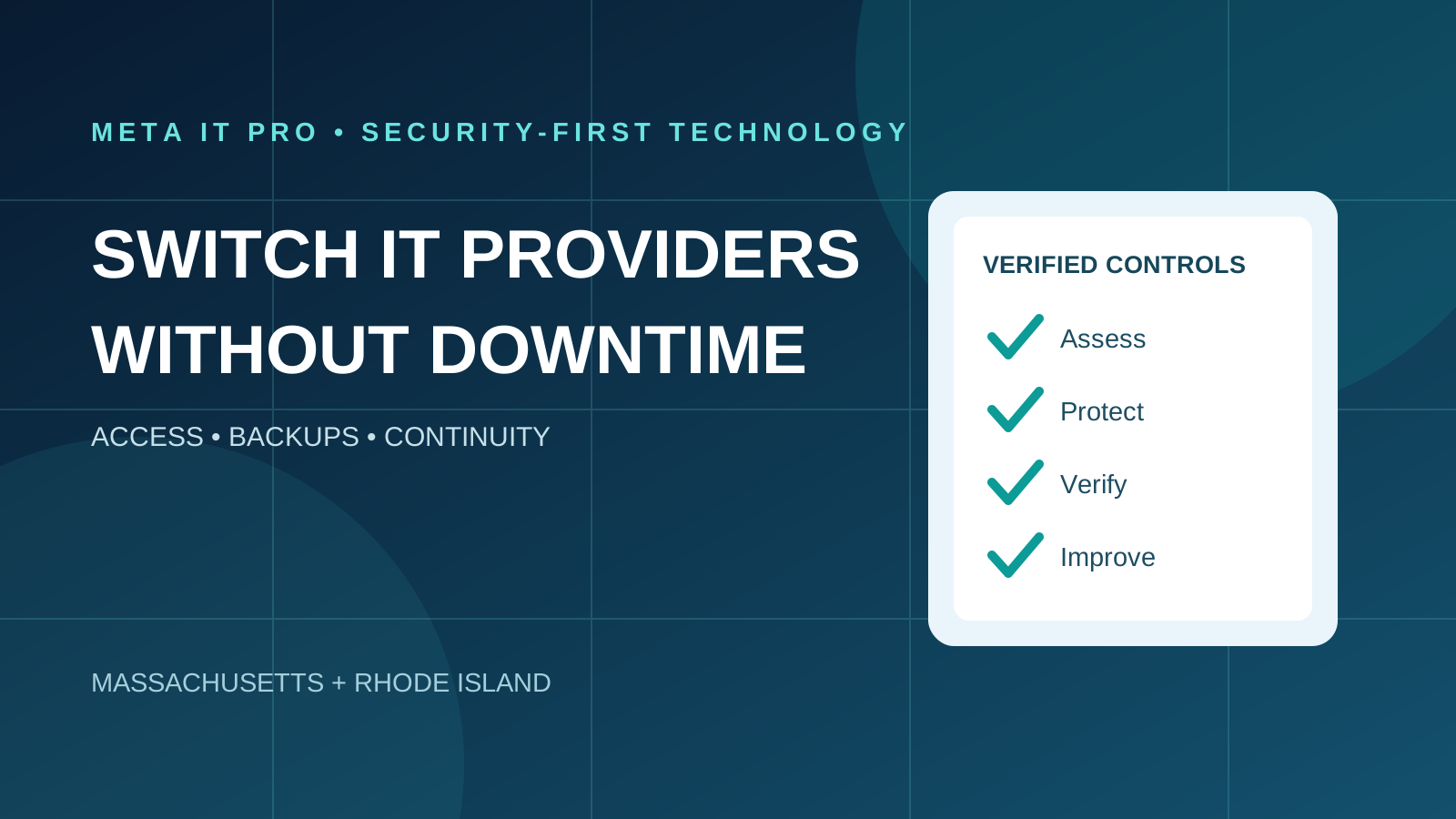
A coordinated IT provider transition starts with contract review and business-controlled accounts, then verifies backups and support continuity before retiring outgoing access.
Key takeaways
What to know before you act
- Switching MSPs does not normally require replacing all systems or migrating every mailbox, but zero downtime cannot be guaranteed.
- Securely transfer business-owned accounts and verify backup and monitoring continuity before removing outgoing access.
- Use a written responsibility matrix and an agreed acceptance checklist to avoid support gaps.
Why it matters
What business leaders should understand
An unplanned handover can interrupt email, monitoring, backups and employee support. Clear responsibilities and an evidence-based offboarding plan reduce operational and security risks.
The right response should reflect your environment, data, vendors, risk, and operational priorities. Use this guide as a practical starting point, then validate important decisions with the people responsible for your technology, cybersecurity, legal obligations, and insurance coverage.
Learn how Meta IT Pro can help with choosing a managed service provider, managed it services, and backup and disaster recovery.
Related reading: IT Support SLA Guide: Response Times, Resolution Targets and Escalation and Break-Fix vs. Managed IT: A Three-Year Cost Comparison for Small Businesses.
When should a business change IT providers?
Recurring unresolved tickets, poor communication, unexpected charges, undocumented systems and weak security monitoring can justify reviewing an IT support relationship. A single outage is not conclusive; assess how the provider responds and prevents recurrence.
Review the current contract, service history and future requirements. If still comparing options, see https://metaitpro.com/how-to-choose-a-managed-service-provider.
Can you switch providers without downtime?
Many documentation, access review and helpdesk handover tasks can happen while systems remain operational. Changes to firewall rules, endpoint agents, network services or cloud identity may require approved maintenance windows.
Avoid replacing working technology simply because the MSP is changing. Identify dependencies, test rollback procedures and plan any unavoidable interruption.
Days 1–7: review contracts and business ownership
Confirm notice periods, renewal dates, early termination terms, offboarding fees, software subscriptions and equipment leases. Seek legal advice for disputed contractual obligations.
Verify business ownership and recovery access for domain registration, DNS, website, Microsoft 365 or Google Workspace, servers, firewalls, backups, VoIP and business-critical applications.
Days 8–14: collect documentation and secure access
Inventory devices, server roles, administrator accounts, VPNs, RMM agents, EDR tools, backup platforms, application vendors, encryption recovery keys and support contacts.
Transfer secrets through a controlled password vault or approved secure channel, not ordinary email. Establish business-controlled administrator and recovery access before removing old accounts.
Days 15–21: transfer operations without losing coverage
Define the moment each provider becomes responsible for helpdesk, monitoring, patching, backups, cybersecurity alerts, vendor escalation and emergency response. Record these assignments in a responsibility matrix.
Verify that Microsoft 365 administration, email routing, licensing and billing remain functional. Microsoft delegated admin relationship changes are distinct from commercial reseller relationships; removing GDAP does not itself terminate subscriptions.
Replace monitoring and security agents through an approved sequence. The incoming team should verify coverage before the outgoing team removes tools or loses access.
Days 22–30: verify recovery and offboard access
Confirm backup retention and restore capability, particularly if storage or licensing is controlled by the former provider. Test a representative recovery scenario and record results.
Remove unnecessary former-provider access to Microsoft 365, VPN, firewalls, RMM, backups, DNS and vendor portals. Rotate shared credentials and revoke tokens where appropriate. Keep tested emergency access intact.
Complete final acceptance with unresolved issues, owner, due date and escalation path. Thirty days is illustrative; complex environments or contractual notice periods can take longer.
Transition inventory checklist
Use this list as a written handover register; each item should have a named owner, tested access and status.
- Domain registrar and DNS control
- Microsoft 365 or Google Workspace tenant, billing and delegated access
- Servers, Active Directory, network diagrams and firewall backups
- Endpoint inventory, EDR and RMM coverage
- Backup storage, retention and restoration test
- VPN, VoIP, ISP and third-party vendor contacts
- Helpdesk contact and severity escalation
- Former provider offboarding and credential rotation
- Final acceptance and outstanding issues register
What if the outgoing provider does not cooperate?
Send a documented, specific request for business-owned accounts, assets, data and documentation. Involve authorized business leadership and the relevant vendors. Where ownership or obligations are disputed, consult legal counsel.
Do not attempt unauthorized access or bypass security controls. If the issue involves a suspected active compromise, preserve evidence and obtain qualified incident response support.
How much does switching MSPs cost?
Costs vary with the quality of existing documentation, number of endpoints, server complexity, cloud licensing, network changes and unresolved security problems. A straightforward handover can be less expensive than remediation of undocumented legacy infrastructure.
Ask for a proposal separating one-time onboarding, licensing changes, urgent remediation and ongoing monthly support. Confirm what is included and what needs approval.
Frequently asked questions
How long does an MSP transition take? Often several weeks for a straightforward environment, but there is no universal deadline.
Will employees lose email? Not necessarily. Retaining the same tenant generally avoids a mailbox migration, although administrative and billing changes must be coordinated.
Must computers and servers be replaced? No. Replace them only when justified by technical, security or business requirements.
Should the two providers overlap? A controlled, time-limited overlap can reduce support gaps if responsibilities are documented.
What happens to backups? Verify data ownership, retention and recovery before terminating the former service.
Request a confidential IT provider transition assessment
Meta IT Pro helps Massachusetts and Rhode Island organizations evaluate support continuity, Microsoft 365 access, endpoint security, backups and provider handover risks.
Explore https://metaitpro.com/managed-it-services and https://metaitpro.com/backup-disaster-recovery, or request a transition assessment at https://metaitpro.com/contact.
Practical action plan
Steps your business can take
Review termination terms and identify business-owned accounts.
Inventory tenant, domain, network, endpoint, backup and vendor dependencies.
Coordinate support, monitoring and security coverage with an agreed handover schedule.
Verify recovery and revoke unnecessary former-provider access only after the incoming team is ready.
Warning signs
Do not ignore these indicators
- No business-controlled tenant or domain administrator
- Outgoing MSP controls the only backup or recovery account
- Untracked RMM, VPN or privileged access remains active
- No defined support or incident-response owner during handover
How Meta IT Pro can help
Related services and practical next steps
Explore the services connected to this topic. These links provide more detail about scope, safeguards, support, and how to start a conversation with our team.
Authoritative references
Sources and further reading
These primary sources support the guidance in this article and provide additional technical or consumer information.
CISA
Risk Considerations for Managed Service Provider Customers
MSP customer risk and operational continuity.
CISA and partner agencies
Protecting Against Cyber Threats to MSPs and Their Customers
Access, MFA, security responsibilities and monitoring.
Microsoft Learn
Terminate a GDAP relationship
Remove delegated administration.
Microsoft Learn
GDAP FAQ
Distinction between partner administration and commercial relationships.
Need help with your IT solution?
Get practical guidance from a local IT and cybersecurity team.
Meta IT Pro helps Massachusetts and Rhode Island businesses improve support, security, Microsoft 365, Google Workspace, networks, backup, recovery, and compliance readiness. Tell us what is not working - or what you want to improve - and we will help identify a sensible next step.