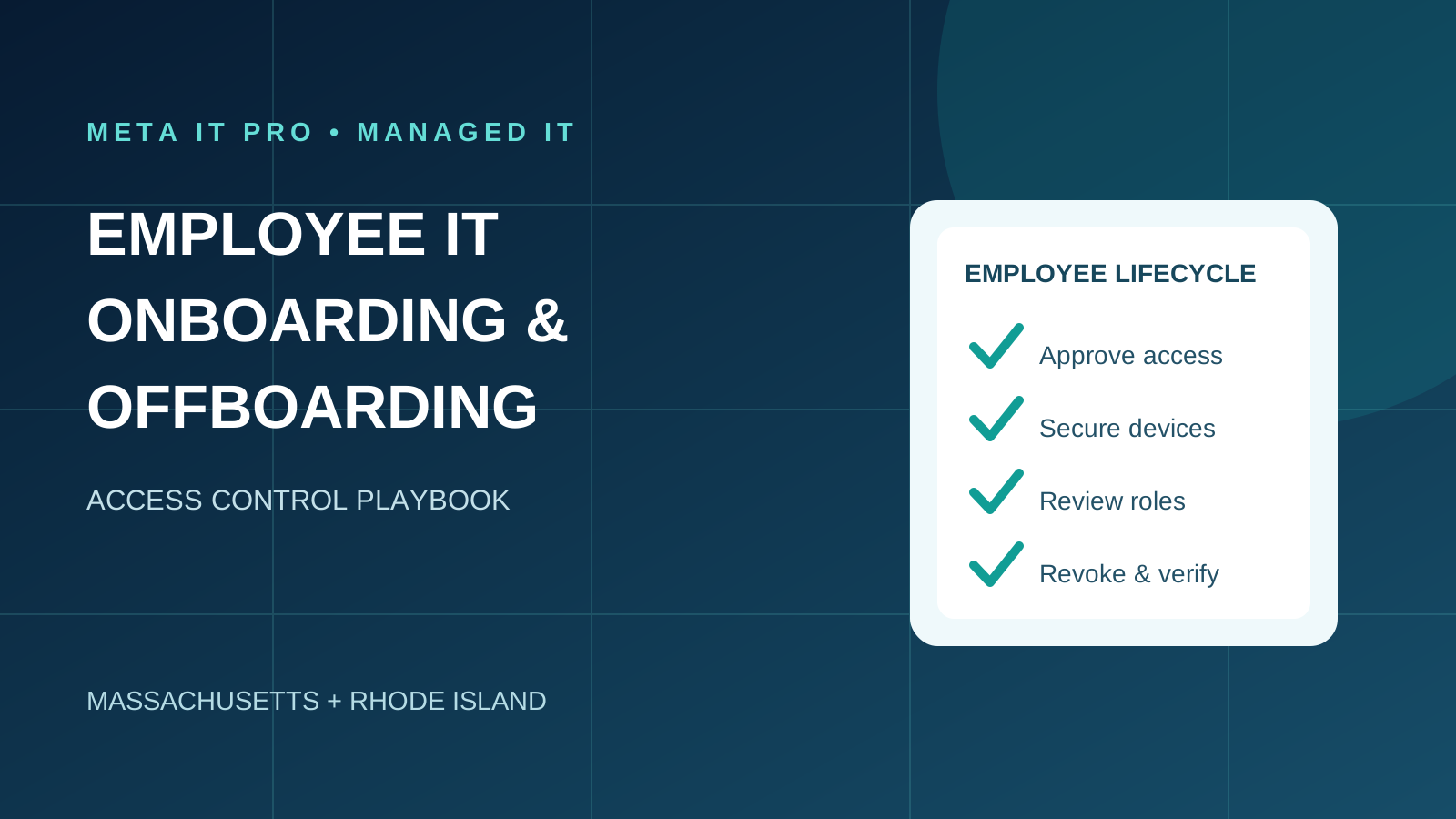
A practical employee access lifecycle playbook connecting HR approvals, role-based provisioning, Microsoft 365 deprovisioning, device recovery and audit evidence.
Key takeaways
What to know before you act
- Employee access lifecycle management requires coordinated HR approval, manager ownership, IT execution and evidence of completion.
- Offboarding Microsoft 365 alone does not necessarily revoke independent SaaS, VPN, privileged or physical access.
- A 30-day plan describes implementing the workflow, not delaying an employee's access removal after departure.
Why it matters
What business leaders should understand
Disabling an email account alone may leave VPN, SaaS, shared credentials and other access active. An accountable, documented process improves productivity and reduces lingering access risk.
The right response should reflect your environment, data, vendors, risk, and operational priorities. Use this guide as a practical starting point, then validate important decisions with the people responsible for your technology, cybersecurity, legal obligations, and insurance coverage.
Learn how Meta IT Pro can help with employee onboarding and offboarding checklist, microsoft 365 services, and security awareness training.
Related reading: How to Switch Managed IT Providers Without Disrupting Your Business and IT Support SLA Guide: Response Times, Resolution Targets and Escalation.
Why employee access management needs more than a checklist
A new hire can arrive to find that their laptop is ready but their accounting software and shared folders are not. A departing employee may lose Microsoft 365 access but retain VPN, SaaS or shared-password access. Both failures arise when employee access changes are treated as isolated tickets rather than a coordinated process.
An effective workflow records who requested the change, who approved access, when it must take effect, who executed it and how the business verified completion. NIST personnel security guidance covers termination and transfers, including access changes and property recovery.
Who owns each stage of onboarding and offboarding?
HR or authorized management confirms hiring, transfers and departures. Department managers approve role-based business access. IT or the MSP provisions identities, devices and security controls. The business's records owner approves retention and data transfers; HR or operations coordinates equipment recovery.
Designate a process owner who confirms all tasks are complete. Small organizations without a dedicated HR team can assign these roles to authorized managers, but responsibility must still be explicit.
Before day one: prepare secure access
An approved onboarding request should identify the employee, start date, department, manager, location, device requirements and business applications. Provision a unique account; never reuse a departing employee's credentials.
Apply least-privilege group membership, required Microsoft 365 or Google Workspace licenses, MFA, endpoint protection, encryption and approved password management. Configure necessary Teams, SharePoint, VPN, phone and line-of-business application access.
- Create a unique, approved identity and role-based access profile.
- Assign a supported, encrypted and managed endpoint.
- Enroll required MFA and confirm endpoint security coverage.
- Prepare application, file, email and phone access.
- Record device assignment and approved access.
Day one: validate the employee experience
Have the employee sign in using their own credentials, complete MFA registration, test essential applications and learn how to report suspicious messages or request support. The manager confirms access is sufficient but not excessive.
IT records the completed setup, any exceptions and the employee's device assignment. Security awareness training and acceptable-use expectations should be communicated as part of the onboarding process.
Role changes: remove permissions that no longer fit
Promotions and transfers can cause permission accumulation when new access is granted without removing old access. Treat a role change as both an access grant and an access review.
The manager approves the new access profile. IT removes obsolete permissions, reviews privileged roles and documents exceptions. Where appropriate, temporary elevated access should have an expiration date.
Plan offboarding around the authorized departure time
HR or authorized leadership should identify whether departure is planned, immediate or related to a security concern. Coordinate the exact time at which access must end. For an involuntary separation, leadership may need a tightly synchronized process.
Do not delay identity deactivation until a laptop is returned when access is no longer authorized. Conversely, do not delete accounts or data before checking records retention, business continuity and legal obligations.
Employee offboarding control register
Maintain a control register for each departing employee. Record owner, time, action, verification evidence and outstanding exceptions.
- Identity: block or disable applicable sign-in accounts and record timestamp.
- Sessions: revoke supported sessions and refresh tokens; verify application-specific effects.
- Applications: disable VPN, CRM, tax, case-management, healthcare and other SaaS accounts.
- Privileges: remove administrator roles, delegated access and vendor permissions.
- Shared credentials: rotate exposed shared secrets or API tokens when needed.
- Email and files: preserve or transfer authorized business records under approved retention rules.
- Devices: recover or appropriately retire company assets and document action.
- Physical access: recover badges, keys and tokens.
- Closure: manager and IT verify completion and record outstanding exceptions.
Microsoft 365 offboarding requires multiple checks
Microsoft's identity guidance distinguishes blocking sign-in from revoking sessions and from removing access to independent applications. Some application sessions may persist until tokens expire or the app enforces revocation. Verify the result rather than assuming all access ends immediately.
Confirm the correct account and effective departure time. Block sign-in through the authoritative identity source, revoke supported sessions, review devices and privileged roles, and disable independent applications. In hybrid Active Directory environments, confirm synchronization from the authoritative on-premises directory.
Review mailbox, OneDrive and retention requirements before removing licenses or deleting accounts. Application owners must confirm that automated provisioning actually disabled downstream accounts.
Preserve records before deleting accounts
A departing employee may own business-critical documents, shared resources, client communications and integrations. Obtain business approval for record retention, access delegation and transfers before destructive changes.
CPA firms, law offices and healthcare organizations may have specific contractual or regulatory obligations. The business and qualified advisors determine those requirements; IT implements authorized technical actions.
Company-owned and personal devices require different treatment
For company-owned devices, document recovery, encryption keys, data preservation and approved reimaging. For personally owned devices, follow the organization's management policy and authorized scope.
Remote wipe can be destructive and may not affect offline devices immediately. Confirm device ownership, data preservation and approval before issuing destructive actions.
Implement the workflow in 30 days
Week 1: inventory identity systems, SaaS applications, VPN, devices, privileged roles and HR/IT responsibilities.
Week 2: define role-based access profiles, approval templates, offboarding control register and secure evidence storage.
Week 3: test provisioning, role transfer, deprovisioning and verification using approved test accounts.
Week 4: train managers, assign process owners, review exceptions and establish recurring access reviews.
The 30-day plan is for implementing the process. Individual employee departures must be processed at their authorized effective time, not delayed for the plan.
Measure the process
Useful measures include first-day access readiness, overdue deprovisioning tasks, completed departure evidence, outstanding asset returns and privileged access exceptions. Review recurring failures and improve the process rather than only closing individual tickets.
A small business can start with a simple monthly report and an exception register. Sensitive employee information should be limited to authorized staff.
Industry considerations in Massachusetts and Rhode Island
CPA firms should account for tax platforms, client portals and financial records. Law firms should review matter management and confidential document access. Healthcare practices should include EHR and other patient-data applications.
Insurance agencies and nonprofits may use independent vendor portals and shared resources outside Microsoft 365. An application inventory is essential. A technical checklist supports, but does not by itself prove, regulatory compliance.
Frequently asked questions
When should a departing employee's access be disabled? At the authorized separation time, or earlier when approved for a high-risk departure.
Is disabling Microsoft 365 enough? No. VPN, SaaS, local accounts, sessions and physical access may require separate steps.
Should accounts be deleted immediately? Not before retention, data transfer and licensing effects are reviewed.
Who owns the process? Management authorizes changes, managers approve access, IT executes controls and a designated owner verifies closure.
Can onboarding and offboarding be automated? Many tasks can, but approvals, device recovery and application exceptions still require oversight.
Request an employee access and IT process assessment
Meta IT Pro helps Massachusetts and Rhode Island businesses manage Microsoft 365 identities, employee provisioning, endpoint security, access reviews and managed IT support.
Read the introductory checklist at https://metaitpro.com/employee-onboarding-offboarding-it-checklist and explore https://metaitpro.com/microsoft-365-services or https://metaitpro.com/managed-it-services. Request an assessment at https://metaitpro.com/contact.
Practical action plan
Steps your business can take
Create an HR-to-IT approval and notification workflow for starts, transfers and departures.
Use role-based access templates and verify MFA and device security before first-day access.
Coordinate authorized account disablement, session revocation, SaaS deprovisioning and equipment recovery.
Preserve approved business data and record completion evidence for each departure.
Warning signs
Do not ignore these indicators
- New hires share an existing user's account or wait days for required access
- Former employees retain VPN, SaaS or privileged permissions
- No manager approval or evidence of access removal
- Accounts are deleted before business records and retention needs are reviewed
How Meta IT Pro can help
Related services and practical next steps
Explore the services connected to this topic. These links provide more detail about scope, safeguards, support, and how to start a conversation with our team.
Authoritative references
Sources and further reading
These primary sources support the guidance in this article and provide additional technical or consumer information.
Need help with your IT solution?
Get practical guidance from a local IT and cybersecurity team.
Meta IT Pro helps Massachusetts and Rhode Island businesses improve support, security, Microsoft 365, Google Workspace, networks, backup, recovery, and compliance readiness. Tell us what is not working - or what you want to improve - and we will help identify a sensible next step.