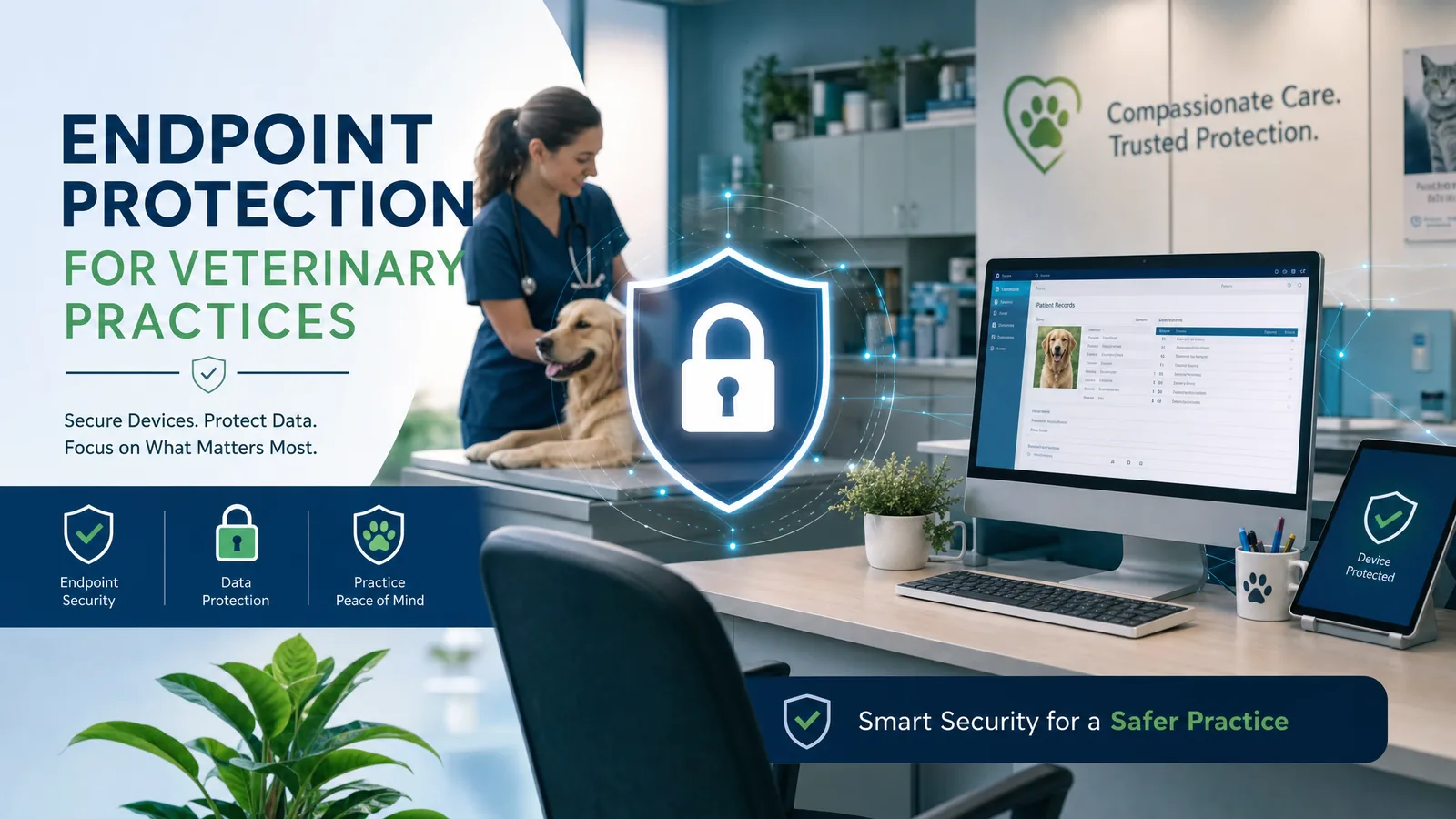
Your veterinary team depends on workstations, practice-management software, email, and payment systems every day. If one device is compromised, the disruption can spread beyond that computer. Endpoint protection helps detect and contain suspicious activity, but it works best alongside email security, secure backups, staff training, and an incident plan.
Key takeaways
What to know before you act
- Veterinary clinics depend on connected workstations, records, scheduling, and payments; losing access can disrupt patient care and daily operations.
- Endpoint protection can detect suspicious activity and help contain malware, but no tool can guarantee that every attack is stopped.
- Email security, MFA, patching, protected backups, staff training, and a rehearsed response plan matter just as much.
Why it matters
What business leaders should understand
A ransomware or malware incident can interrupt access to patient records, appointments, billing, and client communication. The goal is not a promise of perfect prevention; it is to reduce the chance of compromise and give the practice a faster, more orderly way to respond and recover.
The right response should reflect your environment, data, vendors, risk, and operational priorities. Use this guide as a practical starting point, then validate important decisions with the people responsible for your technology, cybersecurity, legal obligations, and insurance coverage.
Learn how Meta IT Pro can help with cybersecurity services.
A clinic cannot afford to lose its daily systems
You run a veterinary practice. Computers help your team find patient records, manage appointments, communicate with pet owners, and process payments. A problem on one device can therefore become an operational problem for the whole clinic.
Consider an unexpected attachment opened at the front desk. If it contains malware and the infection is not caught, staff may lose access to files or shared systems while the team investigates. A ransomware incident could delay appointments and interrupt billing or client communication. That is an illustrative scenario, not a claim about a particular practice or a prediction that every infection spreads in the same way.
Small practices do not need to be individually singled out to face risk. Automated attacks and phishing campaigns can reach organizations of any size. The right preparation starts with knowing which systems your clinic cannot operate without.
- List practice-management, payment, email, and scheduling systems in order of operational importance.
- Plan how staff will handle urgent care and client communication during a technology outage.
What endpoint protection actually does
An endpoint is a computer, server, or other supported device connected to your practice environment. Modern endpoint security can block known malicious files, watch for suspicious behavior, report device health, and in some configurations isolate a compromised system. Endpoint detection and response (EDR) adds investigation data and response capabilities; managed detection and response (MDR) adds a team responsible for investigating and escalating alerts.
Coverage matters as much as the product. An unprotected workstation, unsupported server, disabled agent, or unreviewed alert leaves a gap. Ask who checks that every supported device is enrolled, whether protection stays current, and who responds when a high-severity alert appears.
Endpoint software is not an email gateway and cannot reliably stop a staff member from entering credentials into a convincing fake sign-in page. Email filtering, multifactor authentication, browser protections, and user awareness address different parts of that risk.
- Review device coverage and alert ownership, not just the name of the security product.
- Confirm how a suspicious device can be isolated without unexpectedly disrupting clinical work.
An illustrative front-desk phishing scenario
Imagine a receptionist receives a message that appears to come from a trusted vendor. The link opens a fake sign-in page or downloads a malicious file. What happens next depends on the attack, the clinic's controls, and how quickly the team reports the message.
Without layered safeguards, stolen credentials or malware might give an attacker access to additional systems. With managed endpoint detection, email defenses, MFA, and a clear reporting path, the clinic has more opportunities to block, investigate, or contain the event. None of those controls offers a guarantee; the point is to reduce the paths an attacker can use and shorten the time to respond.
The practice should also be ready for an incident that gets through. Protected, tested backups and a continuity plan can matter more to recovery than any single prevention tool.
Build protection around the way your practice works
A sensible program covers reception workstations, exam-room computers, shared devices, any local servers, remote access, and the accounts used by practice-management and payment vendors. The right controls depend on what the clinic owns and what its software providers manage.
Meta IT Pro can help evaluate endpoint coverage, deploy suitable protection, monitor supported systems, and coordinate incident response under an agreed scope. We can also connect that work to email security, patching, network segmentation, backup oversight, and employee training. USB or removable-media restrictions may be appropriate in some environments, but should be configured around legitimate clinical workflows rather than assumed to be universal.
For a Massachusetts or Rhode Island clinic, the first step is a practical inventory and gap review. We would confirm supported devices, important applications, vendor responsibilities, backup recovery needs, and escalation contacts before recommending changes.
- Ask for a device inventory, current coverage report, and clear support boundaries.
- Test recovery of records and other critical data with the responsible software vendor.
- Train staff to report unusual messages or device behavior promptly without blame.
Protect the practice before the next interruption
The cost of an incident is not only a possible ransom demand. Lost access, delayed appointments, recovery work, and uncertainty for staff and clients can all affect the practice. Endpoint protection is an important control, but it should be purchased as part of an operating plan with named owners and measurable coverage.
If you are unsure whether every clinic device is protected or whether your backups are recoverable, request a review. Meta IT Pro can help you identify the most important gaps and decide what to address first, without promising that any one tool will eliminate cyber risk.
Practical action plan
Steps your business can take
Inventory clinic computers, servers, and supported mobile devices; confirm which have current endpoint protection and who monitors alerts.
Protect email and remote access with multifactor authentication, filtering, updates, and practical staff reporting procedures.
Keep isolated or otherwise protected backups of critical systems and test restoration before an emergency.
Document who can isolate a device, contact the software vendor, continue urgent care workflows, and communicate during an outage.
Recommended next steps
Continue from this article.
These pages expand the specific risks and decisions covered in this guide. Use them to move from general understanding to the service, tool, or related topic that best matches your next question.
Related guide
What is antivirus?
Compare traditional antivirus with EDR and managed investigation.
Explore nextRelated guide
Why security awareness training matters
Help front-desk and clinical teams recognize and report suspicious requests.
Explore nextRelated guide
How to prepare for incident response
Plan containment, evidence, communication, and recovery before an outage.
Explore nextLearning center
Cybersecurity learning center
Explore more guides on endpoint security, phishing, networks, and threat detection.
Explore nextWarning signs
Do not ignore these indicators
- A clinic workstation is missing from the security console or has stopped receiving updates
- Security alerts arrive but no person is assigned to investigate them
- Backups exist, but nobody has tested a restore of practice-management data
How Meta IT Pro can help
Related services and practical next steps
Explore the services connected to this topic. These links provide more detail about scope, safeguards, support, and how to start a conversation with our team.
Authoritative references
Sources and further reading
These primary sources support the guidance in this article and provide additional technical or consumer information.
Cybersecurity and Infrastructure Security Agency
#StopRansomware Guide
Guidance on endpoint detection, phishing, backups, incident response, and ransomware risk reduction.
Federal Trade Commission
Cybersecurity for Small Business
Practical small-business guidance on updates, backups, phishing awareness, and continuity planning.
National Institute of Standards and Technology
Protecting Data from Ransomware and Other Data Loss Events
Guidance for managed service providers on planning, maintaining, and testing backups.
Need help with your IT solution?
Get practical guidance from a local IT and cybersecurity team.
Meta IT Pro helps Massachusetts and Rhode Island businesses improve support, security, Microsoft 365, Google Workspace, networks, backup, recovery, and compliance readiness. Tell us what is not working - or what you want to improve - and we will help identify a sensible next step.