Your dental practice depends on trusted access to email, scheduling, billing, and patient records. If an employee's work credentials appear in a breach dataset, that is a reason to investigate quickly. Dark web monitoring may provide an early signal, but it cannot confirm or prevent every compromise and does not replace the safeguards around protected health information.
Key takeaways
What to know before you act
- An exposed work credential is a useful warning signal, not proof that a dental practice's patient records were accessed.
- Monitoring covers only the sources and identifiers a provider can observe; it cannot promise immediate discovery of every leak.
- A credible alert should trigger account protection, log review, incident triage, and a separate assessment of any HIPAA breach duties.
Why it matters
What business leaders should understand
Reused or stolen credentials can become a path into practice systems. Monitoring an agreed set of work domains and accounts can help identify some exposures, while multifactor authentication, unique passwords, audit logs, incident response, and HIPAA-aware review determine what happens next.
The right response should reflect your environment, data, vendors, risk, and operational priorities. Use this guide as a practical starting point, then validate important decisions with the people responsible for your technology, cybersecurity, legal obligations, and insurance coverage.
Learn how Meta IT Pro can help with healthcare and dental it services.
Why a dental office should pay attention to exposed credentials
You have spent years building a practice that patients trust. The same email and cloud accounts that keep appointments, billing, referrals, and patient communication moving can become valuable entry points if an employee password is stolen or reused.
A small office is not automatically safe because it is small. Phishing and credential-stuffing attempts can reach businesses without an attacker choosing each victim individually. HHS has warned healthcare organizations about credential harvesting and the risk of reusing compromised passwords.
The practical question is not what a patient record might sell for on a criminal marketplace. It is whether your team could spot a credible warning, protect affected accounts, and investigate before more systems are put at risk.
What dark web monitoring can and cannot tell you
A monitoring service may compare agreed practice domains, work email addresses, or other approved indicators against breach datasets and some accessible criminal-source information. A match can help you learn that a credential associated with your organization was exposed. The age, accuracy, and origin of that match still need to be checked.
No service can search every private forum, encrypted conversation, or unpublished data set. An absence of alerts does not prove your practice is secure. An alert about a staff member's password from an unrelated website does not, by itself, prove that your dental systems or patient records were breached.
Do not upload patient lists or protected health information into a public scanning tool to see whether it appears online. Any monitoring involving patient data requires a carefully defined purpose, appropriate vendor review, and applicable privacy safeguards.
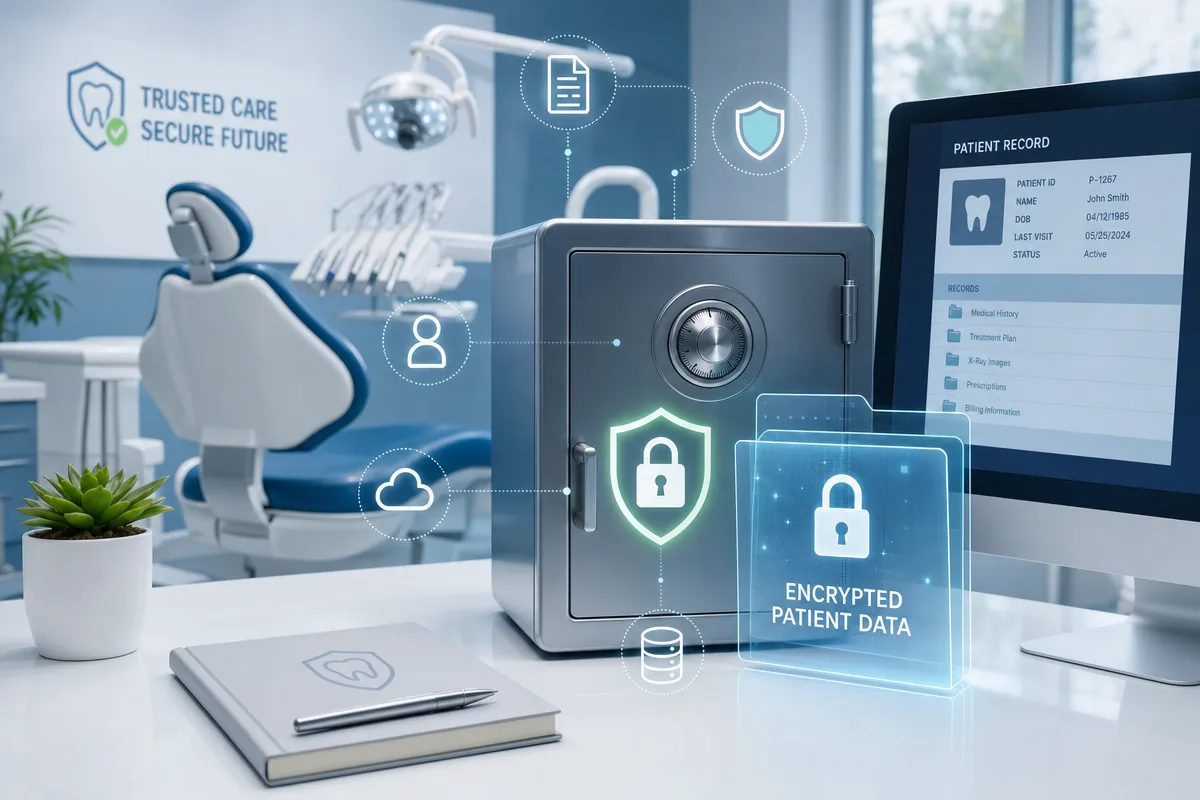
- Define exactly which domains and work accounts are monitored.
- Ask how alerts are validated, prioritized, retained, and delivered.
An illustrative credential-exposure scenario
Imagine an office manager reuses a password from a personal account on a work-related service. A breach of that unrelated service later exposes the password. A monitoring alert might reveal the work email address and prompt the practice to reset credentials and review account activity. It might also arrive late, or not at all, depending on whether the breached data becomes visible to the provider.
The response should not stop at a password change. The team should check whether the password was reused, revoke active sessions where appropriate, require multifactor authentication, review sign-ins and mailbox rules, and preserve evidence if unauthorized access is suspected.
This is a hypothetical example, not a Meta IT Pro client case study. It also shows why monitoring is a detection aid rather than a guarantee that patient information will never be exposed.
What to do when an alert involves your practice
First, validate that the alert refers to your domain or an authorized account. Next, contain possible account misuse and investigate relevant logs, devices, mailboxes, and connected systems. An old password from a third-party breach may call for account hardening; evidence of unauthorized access to electronic protected health information requires a broader incident assessment.
If a covered entity determines there has been a breach of unsecured protected health information, the HIPAA Breach Notification Rule may require notices to affected individuals, HHS, and in some circumstances the media. HHS says individual notice must be without unreasonable delay and no later than 60 days after discovery. The facts, applicable exceptions, and timing should be evaluated with qualified privacy or legal counsel; a dark-web alert alone does not decide them.
Do not promise patients that monitoring has found all exposed data or that a notification decision can be made before the facts are known. Preserve the alert, the investigation record, and the actions taken.
- Assign an incident owner and document when the alert was received and reviewed.
- Coordinate technical investigation with leadership, privacy counsel, and any relevant vendors.
- Use the findings to improve MFA, password hygiene, access controls, and monitoring.
How Meta IT Pro can support a dental practice
Meta IT Pro can help a dental practice assess work-account exposure and connect selected monitoring alerts to a practical response process. The exact sources, monitored identifiers, review cadence, and escalation responsibilities should be written into the service agreement. We would not claim visibility into every criminal site or offer a blanket guarantee that an exposure will be detected immediately.
Monitoring works best alongside secure Microsoft 365 or Google Workspace administration, MFA, managed email security, endpoint protection, backup and recovery planning, staff training, and incident-response procedures. These safeguards help reduce the chance that an exposed credential becomes a wider compromise.
We can help with technical triage and evidence gathering. The practice and its qualified legal or compliance advisers remain responsible for deciding whether a reportable breach occurred and what notifications are required.
Start with the accounts that matter most
Begin with an inventory of your practice domain, workforce email accounts, administrator roles, remote access, and the systems that hold patient information. Then decide what should be monitored and who will receive alerts. A short tabletop exercise can test whether the office manager, practice owner, IT provider, and privacy adviser know what to do when a credible exposure appears.
If you want help reviewing your current controls or setting up a defensible monitoring and response process, contact Meta IT Pro. We can help you identify the highest-priority gaps and agree on a realistic scope for your practice.
Practical action plan
Steps your business can take
Identify practice domains, work email accounts, and other non-PHI indicators appropriate for monitoring.
For a credible alert, validate the match, reset affected credentials, revoke active sessions, and review related sign-in and mailbox activity.
Require unique passwords and multifactor authentication for email, remote access, and systems holding patient information.
Document who investigates suspected exposure and who assesses any potential breach and notification duties with qualified counsel.
Recommended next steps
Continue from this article.
These pages expand the specific risks and decisions covered in this guide. Use them to move from general understanding to the service, tool, or related topic that best matches your next question.
Related guide
3 steps to a secure password
Reduce credential reuse with unique passwords, a manager, and MFA.
Explore nextRelated guide
What is a phishing attack?
Recognize the fake messages and sign-in pages used to steal workplace credentials.
Explore nextRelated guide
Incident response and remediation
Prepare investigation, containment, recovery, and communication roles.
Explore nextPlanning tool
HIPAA readiness quiz
Review preliminary security-readiness gaps without entering patient information.
Explore nextWarning signs
Do not ignore these indicators
- Work credentials appear in a breach dataset and the same password may be reused elsewhere
- Unexpected sign-ins, mailbox forwarding rules, or failed MFA attempts follow an exposure alert
- A monitoring provider claims every dark-web post is visible or that an alert alone proves patient data was breached
How Meta IT Pro can help
Related services and practical next steps
Explore the services connected to this topic. These links provide more detail about scope, safeguards, support, and how to start a conversation with our team.
Authoritative references
Sources and further reading
These primary sources support the guidance in this article and provide additional technical or consumer information.
U.S. Department of Health and Human Services
Breach Notification Rule
Official guidance on assessing and notifying after a breach of unsecured protected health information.
U.S. Department of Health and Human Services
OCR Cybersecurity Newsletter: Authentication and Credentials
Guidance on compromised credentials and authentication safeguards in healthcare.
U.S. Department of Health and Human Services
Credential Harvesting Sector Alert
Healthcare-sector guidance on credential theft and password reuse.
Cybersecurity and Infrastructure Security Agency
Posture and Exposure Assessment Fact Sheet
An example of using exposed credentials and dark-web analysis as warning signals.
Need help with your IT solution?
Get practical guidance from a local IT and cybersecurity team.
Meta IT Pro helps Massachusetts and Rhode Island businesses improve support, security, Microsoft 365, Google Workspace, networks, backup, recovery, and compliance readiness. Tell us what is not working - or what you want to improve - and we will help identify a sensible next step.